Master Mobile Photography: Advanced Camera Apps Guide
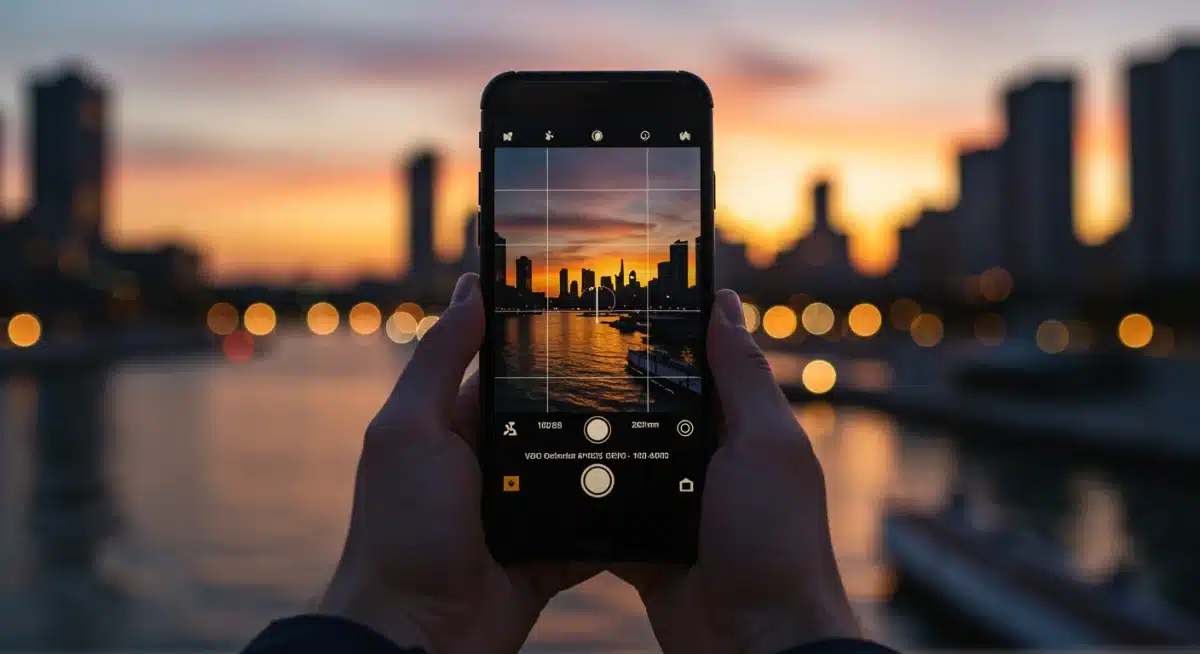
 Mastering mobile photography with advanced camera apps allows users to transcend basic point-and-shoot capabilities, unlocking professional-grade controls for capturing breathtaking photos and cinematic videos directly from their smartphones.
In today’s visually driven world, the smartphone in your pocket is far more than just a communication device; it’s a powerful photographic tool. To truly master mobile photography: 5 advanced camera apps for stunning photos and videos can transform your everyday snapshots into works of art. This guide will explore how leveraging the right applications can unlock your device’s full potential, allowing you to capture professional-quality images and cinematic footage with unprecedented control and creativity.
The Evolution of Mobile Photography and Camera Apps
Mobile photography has come a long way from its humble beginnings. Early smartphone cameras were basic, offering minimal control and often producing grainy, low-resolution images.
However, rapid technological advancements in both hardware and software have revolutionized this landscape. Today, flagship smartphones boast sophisticated multi-lens systems, larger sensors, and advanced image processing capabilities that rival traditional cameras.
This evolution has been significantly bolstered by the development of third-party camera applications.
These apps often provide access to manual controls typically found only on DSLRs or mirrorless cameras, such as ISO, shutter speed, white balance, and manual focus. They also introduce advanced features like RAW capture, custom presets, and sophisticated editing tools, empowering users to move beyond automatic settings and truly express their artistic vision.
Beyond the Stock Camera App
While default camera apps are convenient, they often simplify the user experience at the expense of creative control.
They are designed for ease of use, making them perfect for quick snaps but limiting for those who wish to delve deeper into photographic techniques. Advanced camera apps, on the other hand, open up a world of possibilities for serious mobile photographers and videographers.
Manual Controls: Gain precise control over exposure, focus, and color.
RAW Capture: Preserve maximum image data for extensive post-processing.
Advanced Editing: Access powerful tools for color grading, retouching, and effects.
Specialized Modes: Explore features like time-lapse, long exposure, and cinematic video.
Understanding the limitations of your phone’s native camera app is the first step towards seeking out more powerful alternatives.
These advanced applications are designed to harness the full capabilities of your smartphone’s camera hardware, providing a more robust and versatile shooting experience. They cater to a growing community of mobile creators who demand more from their devices.
In conclusion, the journey from basic phone cameras to today’s sophisticated mobile imaging systems is remarkable.
The proliferation of advanced camera apps has been a key driver in this transformation, offering users unparalleled control and creative freedom. These tools are indispensable for anyone serious about elevating their mobile photography and videography skills.
ProRes Camera: Elevating Mobile Videography
When it comes to professional-grade mobile videography, ProRes Camera emerges as a standout application. This app is specifically designed to unlock the full potential of your iPhone’s video capabilities, particularly its ability to record in Apple’s high-quality ProRes codec.
For content creators, filmmakers, and serious videographers, ProRes Camera offers a level of control and fidelity previously unimaginable on a smartphone.
ProRes is a family of proprietary lossy video compression formats developed by Apple Inc. for use in post-production. It’s renowned for its high visual quality and reduced file sizes compared to uncompressed video, making it an industry standard for professional video workflows.
Recording in ProRes on your mobile device means capturing footage with significantly more detail and dynamic range, providing greater flexibility during color grading and editing.
Key Features for Cinematic Capture
ProRes Camera isn’t just about the codec; it’s about comprehensive control. The app provides a suite of features that empower users to fine-tune every aspect of their video capture, mirroring the functionality of dedicated cinema cameras.
ProRes Recording: Direct recording in various ProRes formats (LT, Standard, HQ), depending on your device and storage.
Manual Exposure Controls: Adjust ISO, shutter speed, and white balance with precision.
Focus Peaking: Visual aid for achieving critical focus, essential for sharp footage.
Zebra Stripes: Helps identify overexposed areas for optimal exposure settings.
Customizable Frame Rates: Shoot in standard cinematic frame rates or high-speed for slow motion.
The ability to record in ProRes directly on your smartphone streamlines the production workflow. Instead of transcoding footage from a standard codec, you can immediately import your ProRes files into professional editing software like Adobe Premiere Pro or DaVinci Resolve, saving valuable time and maintaining optimal image quality.
This makes ProRes Camera an invaluable tool for on-the-go content creation and quick turnaround projects.
While ProRes recording consumes significant storage space, the visual benefits are undeniable. The enhanced data retention allows for more aggressive color correction and visual effects without introducing artifacts or degrading image quality.
This app caters to users who prioritize image fidelity and seek to integrate their mobile footage seamlessly into professional projects. Mastering ProRes Camera means you’re equipped to produce truly cinematic video content with just your phone.
Halide Mark II: Precision Photography for iPhone
Halide Mark II has established itself as a premier advanced camera app for iPhone users seeking unparalleled control and image quality.
Designed with professional photographers in mind, it strips away the simplicity of the native camera app to reveal a powerful suite of manual controls, intelligent features, and a user-friendly interface that makes complex photography accessible.
At its core, Halide Mark II provides manual control over key photographic parameters such as ISO, shutter speed, and white balance.
This enables photographers to make deliberate creative choices, rather than relying on the phone’s automatic settings. Whether you’re shooting in challenging low-light conditions or aiming for a specific motion blur effect, Halide gives you the reins.
Advanced Features for Discerning Photographers
Beyond basic manual controls, Halide Mark II integrates several sophisticated features that elevate the mobile photography experience.
RAW & ProRAW Capture: Capture maximum image data for extensive post-processing, with ProRAW offering Apple’s computational photography benefits alongside RAW flexibility.
Focus Peaking & Magnification: Achieve razor-sharp focus with visual aids and zoomed-in views.
Depth Capture: Utilize the iPhone’s LiDAR scanner (on compatible models) for precise depth maps, enabling advanced portrait mode effects and computational photography.
Smart HDR: Intelligently combine multiple exposures for stunning dynamic range.
Instant RAW Development: Quick in-app RAW processing for immediate previews and adjustments.
The app’s interface is a masterclass in design, balancing powerful features with intuitive navigation. Gestures and customizable controls make it easy to adjust settings on the fly, ensuring you never miss a shot. Halide also provides detailed histograms and exposure grids, offering crucial feedback for achieving technically perfect exposures.
For those invested in the Apple ecosystem, Halide Mark II offers seamless integration with iOS features and leverages the latest iPhone hardware capabilities.
It’s not just an app; it’s a comprehensive photographic tool that empowers users to create stunning images that stand out. Investing time in learning Halide Mark II will significantly enhance your ability to capture breathtaking photos with your iPhone, pushing the boundaries of what’s possible in mobile photography.
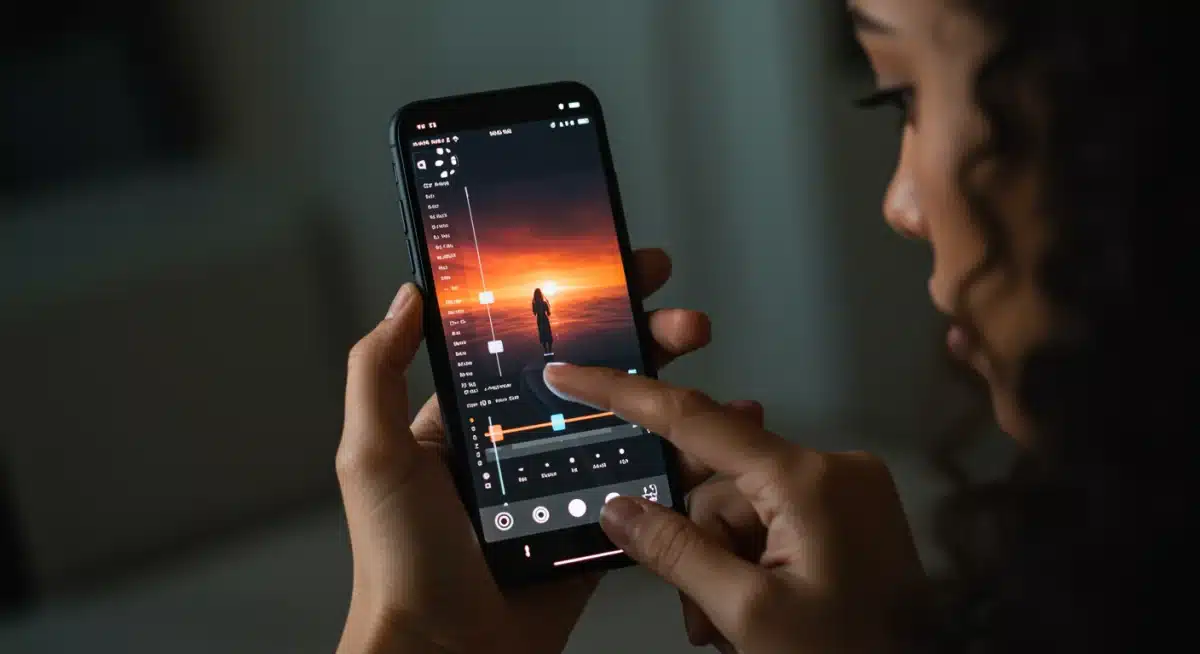
FiLMiC Pro: The Industry Standard for Mobile Filmmaking
FiLMiC Pro is widely regarded as the gold standard for mobile filmmaking, offering a comprehensive suite of professional video camera controls that transform your smartphone into a high-end production tool.
Used by independent filmmakers, documentarians, and even major studios for specific shots, FiLMiC Pro provides unparalleled command over your mobile device’s video capabilities.
This app goes far beyond the basic video recording functionality of a standard camera app. It provides manual control over virtually every critical aspect of video capture, empowering users to achieve cinematic aesthetics and tackle complex shooting scenarios with confidence. From exposure and focus to frame rates and audio monitoring, FiLMiC Pro puts professional control at your fingertips.
Unlocking Cinematic Potential
FiLMiC Pro’s extensive feature set is designed to meet the demands of serious videographers. It offers granular control that allows for precise creative decisions, ensuring your vision is accurately translated to the screen.
Manual Exposure & Focus: Independent control points for exposure and focus, with pull-to-focus and exposure ramp capabilities.
Variable Frame Rates: Record from 1 fps up to high-speed frame rates for stunning slow motion.
Log & Flat Gamma Curves: Capture flat profiles for maximum dynamic range and flexibility in post-production color grading.
Real-time Analytics: Zebra stripes, clipping, false color, and focus peaking for accurate exposure and focus.
Advanced Audio Controls: Support for external microphones, audio gain control, and monitoring options.
The app also supports a wide range of aspect ratios, including cinematic 2.39:1, and offers various encoding options for different quality and file size requirements. Its integration with external hardware, such as gimbals and anamorphic lenses, further extends its versatility, making it a cornerstone for mobile filmmaking setups.
Learning FiLMiC Pro requires a commitment, but the rewards are substantial. The ability to shoot with such precision and control can dramatically improve the production value of your mobile videos, making them indistinguishable from footage captured with more expensive equipment.
For anyone serious about mobile filmmaking, FiLMiC Pro is an essential investment that promises to elevate your craft.
Adobe Lightroom Mobile: Powerful Editing & Camera Features
Adobe Lightroom Mobile stands out as a dual-purpose powerhouse, combining an advanced camera interface with robust photo editing capabilities. While widely known for its desktop counterpart, the mobile version offers a surprisingly full-featured experience, making it an indispensable tool for photographers who want to capture, edit, and organize their images all from their smartphone.
The camera module within Lightroom Mobile provides manual controls that surpass most native camera apps.
Users can adjust exposure, ISO, shutter speed, white balance, and even focus manually. This level of control is crucial for photographers who demand precision and want to ensure their images are well-exposed and creatively composed from the moment of capture.
Integrated Capture and Editing Workflow
What makes Lightroom Mobile particularly compelling is its seamless integration between capture and editing. Photos taken within the app are automatically imported into your Lightroom catalog, ready for immediate post-processing.
Pro Mode Camera: Manual controls for ISO, shutter speed, white balance, and focus.
DNG (RAW) Capture: Shoot in Adobe’s universal RAW format for maximum editing flexibility.
Powerful Editing Tools: Access to a vast array of sliders and presets for color correction, tonal adjustments, selective edits, and more.
Cloud Syncing: Automatically syncs your photos and edits across all your devices, including desktop Lightroom.
AI-Powered Features: Leverage Adobe Sensei for intelligent organization and content-aware adjustments.
The editing capabilities within Lightroom Mobile are nearly as extensive as its desktop counterpart.
You can perform global adjustments, apply professional presets, and even utilize advanced tools like local adjustments, healing brushes, and geometry corrections. This means you can achieve a polished, professional look for your images without ever transferring them to a computer.
For photographers who value a streamlined workflow and powerful editing on the go, Adobe Lightroom Mobile is an ideal solution. It empowers users to capture high-quality raw images with manual precision and then refine them with industry-leading editing tools, all within a single, integrated ecosystem.
Embracing Lightroom Mobile can significantly enhance both the quality of your captures and the efficiency of your post-production process.
ProCamera: Versatility for Photo and Video Enthusiasts
ProCamera offers a versatile and comprehensive solution for both photo and video capture on iOS devices. It strikes an excellent balance between advanced manual controls and an intuitive user interface, making it suitable for a wide range of users, from enthusiastic amateurs to seasoned professionals.
This app is designed to maximize the capabilities of your iPhone’s camera, providing tools for virtually every photographic and videographic scenario.
One of ProCamera’s strengths is its modular design, allowing users to customize their shooting experience. Whether you’re focused on still photography, cinematic video, or specialized modes like low-light and HDR, ProCamera provides dedicated toolsets to achieve optimal results.
Its commitment to regular updates ensures compatibility with the latest iPhone hardware and software features, keeping it at the forefront of mobile imaging.
A Comprehensive Toolkit for Creators
ProCamera’s feature set is extensive, catering to diverse creative needs across both photography and videography.
Manual & Semi-Automatic Modes: Full manual control over exposure, focus, and white balance, alongside semi-automatic options for quick adjustments.
RAW, TIFF & HEIF Capture: Support for various image formats, including uncompressed TIFF and space-efficient HEIF, in addition to RAW.
LowLight Plus & HDR: Specialized modes for exceptional performance in challenging lighting conditions and high dynamic range scenes.
Cinematic Video Features: High frame rates, 4K recording, audio metering, and support for external microphones.
Exposure Bracketing & Anti-Shake: Tools for capturing multiple exposures and minimizing blur in handheld shots.
The app also includes a powerful in-app editing suite, allowing for immediate adjustments to exposure, color, and tone. Its innovative ‘Light Box’ feature provides a secure temporary storage for your photos, allowing you to review and select your best shots before committing them to your main camera roll.
ProCamera’s versatility makes it an excellent all-in-one solution for mobile creators. It empowers users to experiment with advanced techniques and produce high-quality content without needing multiple specialized apps.
By combining robust photo and video capabilities with a user-friendly design, ProCamera helps you push the boundaries of what your smartphone can achieve, making it a valuable asset for anyone serious about mobile photography and videography.
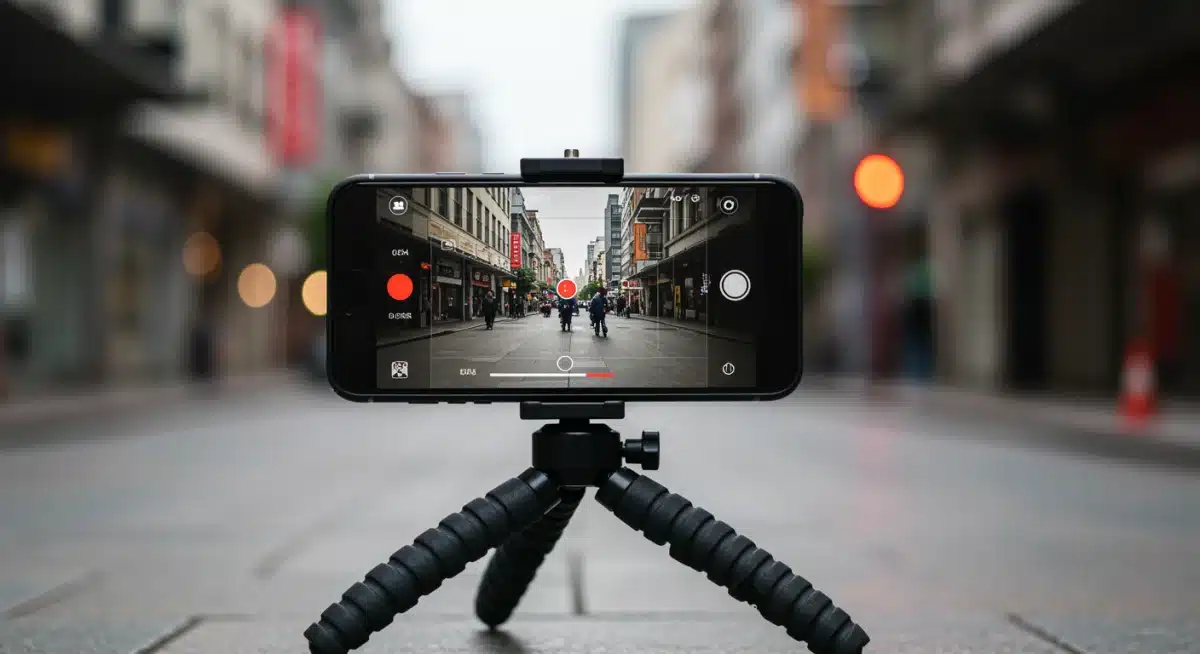
Choosing the Right Advanced Camera App for You
With a plethora of advanced camera apps available, selecting the right one can feel daunting. The best app for you ultimately depends on your specific needs, creative goals, and the type of content you primarily create.
Each app discussed—ProRes Camera, Halide Mark II, FiLMiC Pro, Adobe Lightroom Mobile, and ProCamera—offers distinct advantages, catering to different aspects of mobile photography and videography.
Consider whether your priority is still photography with maximum post-processing flexibility, high-quality cinematic video, or a balanced solution for both. Your existing workflow and preferred editing software might also influence your choice.
For instance, if you’re heavily invested in the Adobe ecosystem, Lightroom Mobile offers seamless integration. If you’re an iPhone user seeking the absolute best still image quality and RAW control, Halide Mark II might be your go-to.
Factors to Consider When Selecting an App
To make an informed decision, evaluate these key aspects:
Primary Use: Are you mainly shooting photos, videos, or a mix of both?
Level of Control: How much manual control do you desire over exposure, focus, and white balance?
File Formats: Do you need RAW, ProRAW, ProRes, or other specialized formats?
Editing Workflow: Do you prefer in-app editing, or do you integrate with desktop software?
Budget: Are you willing to pay for a premium app, or do you prefer a subscription model?
Device Compatibility: Ensure the app fully supports your smartphone’s hardware capabilities.
Many of these apps offer trial periods or lite versions, allowing you to test their features before committing to a purchase.
Experimenting with a few options can provide valuable insight into which interface and feature set best complement your shooting style. Reading reviews and watching tutorials can also help you understand the nuances of each application.
Ultimately, the goal is to find an app that enhances your creative process and empowers you to capture the stunning visuals you envision.
Don’t be afraid to invest time in learning a new app; the mastery of its features will directly translate into higher quality content. The right advanced camera app will not only elevate your mobile photography and videography but also inspire you to explore new creative horizons.
Tips for Maximizing Your Advanced Camera App Experience
Acquiring an advanced camera app is just the first step; truly mastering mobile photography requires understanding how to leverage these powerful tools effectively.
Beyond simply knowing what each button does, it’s about developing a deliberate approach to your shooting and editing process. Maximizing your app experience involves a combination of technical knowledge, creative vision, and consistent practice.
Start by familiarizing yourself with the app’s interface. Advanced apps often have a steeper learning curve than native camera apps due to the sheer number of controls and options. Spend time exploring each setting, understanding its function, and how it impacts your final image or video. Many apps offer built-in tutorials or have extensive online resources that can guide you through their features.
Essential Practices for Elevated Mobile Creation
To truly excel with your advanced camera app, incorporate these practices into your workflow:
Learn Manual Controls: Practice adjusting ISO, shutter speed, and white balance manually to understand their interplay and creative impact.
Shoot in RAW/ProRes: Always capture in the highest quality format available (RAW for photos, ProRes for video) to maximize post-processing flexibility.
Utilize Compositional Aids: Employ grids (rule of thirds, golden ratio), histograms, and focus peaking to improve your framing, exposure, and sharpness.
Invest in Accessories: Consider external lenses, gimbals, tripods, and external microphones to further enhance your mobile setup.
Practice Post-Processing: Develop your editing skills, whether in-app or on desktop, to refine your images and videos to perfection.
Consistency is key. The more you use your advanced camera app, the more intuitive its controls will become, and the quicker you’ll be able to make creative decisions.
Don’t be afraid to experiment with different settings and modes. Push the boundaries of what your smartphone can do, and analyze the results to understand what works best in various scenarios.
Furthermore, pay attention to lighting. Even the most advanced app cannot compensate for poor lighting conditions. Understand how light interacts with your subject and use it to your advantage. By combining a powerful app with thoughtful technique and creative vision, you’ll be well on your way to producing truly stunning photos and videos with your mobile device.
| Key App | Primary Benefit |
|---|---|
| ProRes Camera | Professional ProRes video recording for cinematic quality. |
| Halide Mark II | Advanced manual controls and RAW/ProRAW for iPhone photography. |
| FiLMiC Pro | Industry-standard video controls for mobile filmmaking. |
| Adobe Lightroom Mobile | Integrated camera and powerful photo editing with cloud sync. |
Frequently Asked Questions About Mobile Photography Apps
Advanced camera apps offer manual controls over settings like ISO, shutter speed, and white balance, giving you creative freedom beyond automatic modes. They often support RAW capture, providing more data for post-processing and ultimately leading to higher quality, more personalized photos and videos.
No, advanced camera apps do not physically improve your phone’s camera hardware. Instead, they unlock and optimize the existing capabilities of your device’s camera by providing access to more sophisticated controls and processing algorithms that are often hidden or simplified in native camera applications.
Shooting in RAW format is generally better for serious mobile photographers because it captures more image data, offering greater flexibility for editing and color correction without quality loss. However, RAW files are larger and require post-processing, so for quick snaps, JPEG might be more convenient.
Many advanced apps, such as ProCamera and Adobe Lightroom Mobile, offer robust features for both photography and videography. Others, like ProRes Camera and FiLMiC Pro, specialize more in video, while Halide Mark II is primarily focused on still photography. Your choice depends on your primary creative focus.
While advanced camera apps offer more controls and thus a steeper learning curve than basic apps, most are designed with intuitive interfaces. Many provide tutorials and resources to help beginners understand their features. Starting with basic manual adjustments and gradually exploring advanced functions is a good approach.
Conclusion
The journey to master mobile photography: 5 advanced camera apps for stunning photos and videos is an exciting one, transforming your smartphone into a versatile and powerful creative instrument.
By moving beyond the limitations of default camera applications and embracing the sophisticated controls offered by apps like ProRes Camera, Halide Mark II, FiLMiC Pro, Adobe Lightroom Mobile, and ProCamera, you unlock a new realm of artistic possibilities.
These tools empower you to take charge of every aspect of your image and video capture, from precise exposure and focus to advanced color grading and cinematic effects. The key lies not just in downloading these apps, but in dedicating time to understand their features, practicing manual controls, and integrating them into a thoughtful creative workflow.
With the right app and a commitment to learning, your mobile device can produce professional-grade content that truly stands out, reflecting your unique vision and elevating your storytelling capabilities.